HELP ARTICLE
Where Onzi Stores Your Collection Data (World Cup 2026)
In Onzi, your whole collection is stored only on your phone, with no account and no cloud.
3 min read · Updated June 7, 2026
It All Lives on Your Phone
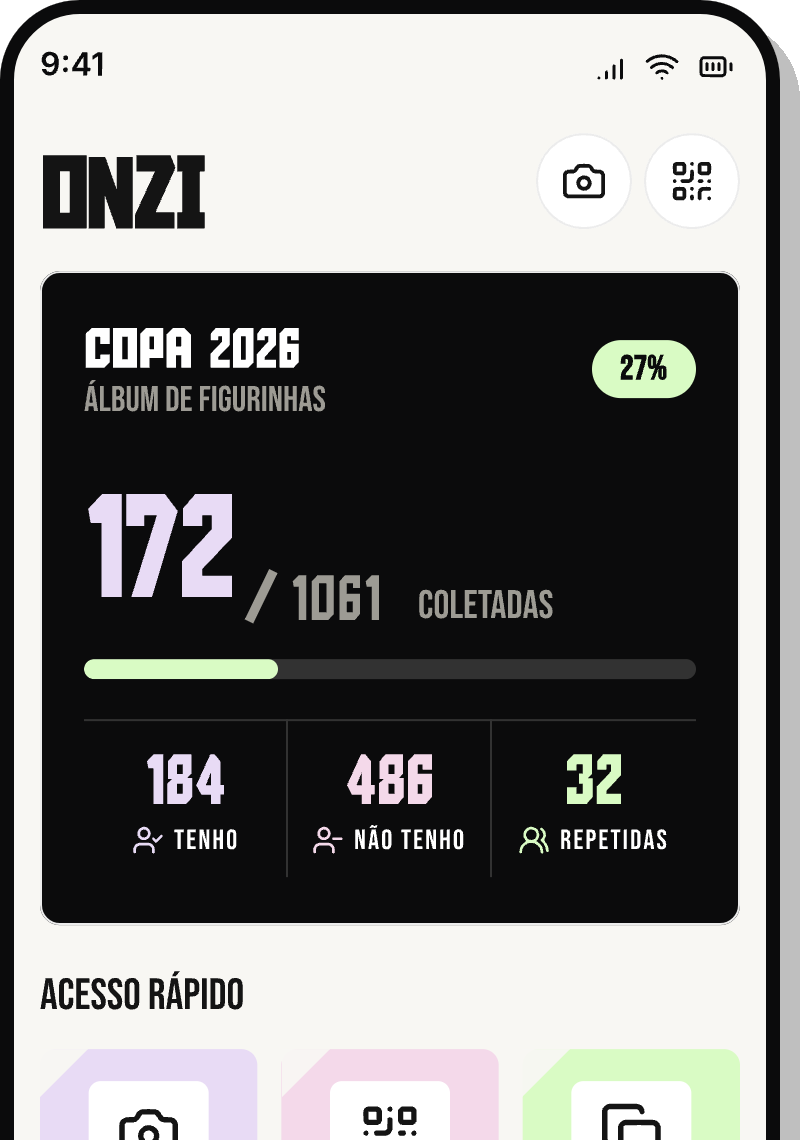
Your collection lives right on your device. Every time you add a sticker, take one off your list, or flag a double, that change is written to your phone's storage — not to a server somewhere on the internet.
Onzi is 100% offline and works without an account. No email, no password, no login: since nothing ever leaves your phone, there's nowhere for your collection to be sent.
What That Means for Your Privacy
Because your data never leaves the device, no one but you can see your collection. In plain terms:
- No account: we never ask you to sign up, hand over an email, or pick a password.
- No cloud: your collection isn't synced or parked on any server.
- No ads, no tracking: the app doesn't watch what you do.
- No internet needed: scan, tally, and check the ranking even in airplane mode.
Why It Matters Before You Reinstall
Since everything lives on the phone, your collection is tied to this Onzi install on this device. That's where one important habit comes in.
If you delete the app, clear its data, or move to a new phone, your saved collection won't tag along on its own. Onzi doesn't currently offer a cloud backup or an automatic transfer between devices.
So before you uninstall to free up space or chase down a glitch, remember that reinstalling drops you back at zero. If you've already filled half the album, think twice before deleting.
How to Keep Your Collection Safe
A few simple habits keep you from watching your collection vanish:
- Don't uninstall the app unless you actually need to — leave it installed.
- Go easy on your system's "clear app data" option; it can wipe your collection.
- Switching phones? Don't count on the collection coming over automatically.
- Keep the app updated through the store so you get improvements and fixes.