HELP ARTICLE
Onzi offline and no account: why the World Cup 2026 sticker app works this way
Onzi runs entirely on your phone with no internet and no sign-up, so your World Cup 2026 album is always on hand and there's no password to forget.
4 min read · Updated June 7, 2026
It works offline, anywhere
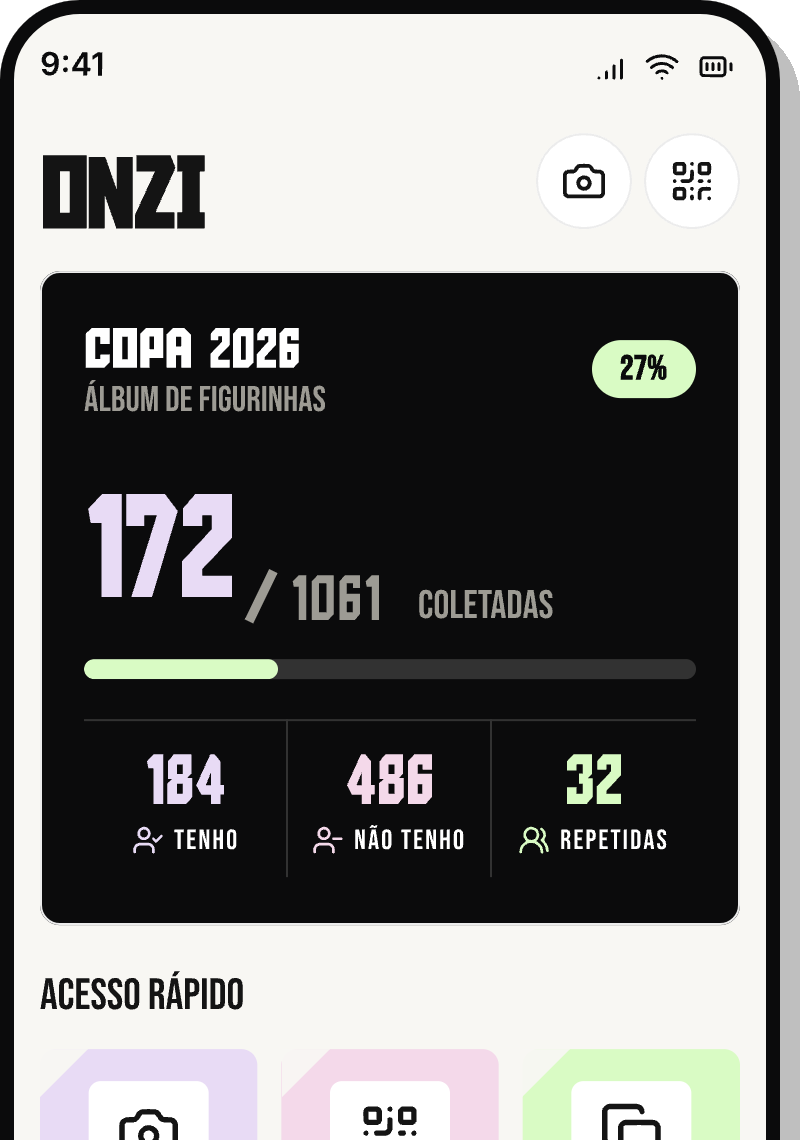
Onzi is genuinely offline: the app keeps your whole World Cup 2026 album right on your phone. It runs the same whether you're on Wi-Fi, on mobile data, or completely off the grid.
That means you never need a signal to collect. The kiosk in a basement food court, a friend's place without the Wi-Fi password, a flight with your phone in airplane mode — anywhere, you just open the app, scan the sticker with your camera, and mark it as yours on the spot.
- Scan with your camera and add stickers with no connection
- Check your duplicates and album progress anytime
- Trade face-to-face by QR Code, even with no internet on either phone
No account, no password, no waiting
There's no sign-up in Onzi. You download the app and start collecting — we don't ask for an email, a phone number, or a password.
That cuts out all the friction that usually kills the fun before you even start: no confirming an email, no waiting on a verification code, no resetting a forgotten password three months later. The album is yours from the very first tap.
And since there's no login, there's nothing for you to forget. Next time you open the app, you're exactly where you left off.
Your data stays on your phone
Everything you mark — the stickers you own, your duplicates, your progress — is saved locally, on the device itself. Onzi never uploads your collection to any server.
That's also why there are no ads and no tracking: nobody here is harvesting your data to sell it or to serve you ads. The only thing we care about is your album.
- Collection stored on the device, not in a cloud account
- No ads and no trackers
- No online profile tied to your name
What to remember before switching phones
Being offline and local gives you two wins at once: privacy and speed. The thing to keep in mind is the flip side of that same coin — since nothing lives in a cloud account, your album lives on the device.
For now, Onzi doesn't offer a cloud backup or an automatic transfer between phones: your collection is tied to this install on this device. So if you're switching phones, reinstalling the app, or clearing its data, know that the collection won't come along on its own, and reinstalling drops you back at zero.
The simplest way not to lose anything is to keep the app installed and avoid clearing its data. Since there's no account, you don't need a login to reinstall — but your old collection only stays put as long as you don't delete the app on this device.
- Keep Onzi installed and steer clear of your system's "clear app data" option
- Before changing phones, remember the collection doesn't migrate on its own today
- No account means reinstalling is easy, but the old collection only survives if the app isn't deleted