HELP ARTICLE
How to Scan World Cup 2026 Stickers With Your Phone Camera
Point your camera at a sticker, let Onzi read the team code and number, and tap to save it to your collection without typing a thing.
3 min read · Updated June 7, 2026
Why scan instead of typing
Scanning is the fastest way to log a sticker in Onzi. Instead of hunting for the number in a long list and typing it in, you just point the camera at the sticker. Onzi reads the team code and number printed on it for you and shows you exactly which one it is.
And it all happens right on your phone. No internet, no account, no sign-up: the read runs offline and your collection stays on your device. Onzi is free, and it's a fan-made app with no connection to Panini or FIFA.
Step by step: scanning a sticker
With the sticker in hand and the camera open in the app, the whole thing takes a few seconds:
- Open the scan camera inside the app.
- Bring the sticker close and frame the team code and number on screen.
- Wait for the read: Onzi picks up the code and number automatically, with zero typing.
- Check the sticker that pops up and tap to add it to your collection.
- Aim at the next one to scan several in a row.
Tips to read stickers faster
Reads happen fastest when the sticker is clearly in view. If it's slow to catch, a few quick fixes help:
- Find good light and keep shadows or glare off the sticker.
- Lay the sticker flat and unbent on a level surface.
- Hold the phone steady, at the distance where the code and number look sharp.
- Wipe the camera lens if the image looks blurry.
Added it? It already counts
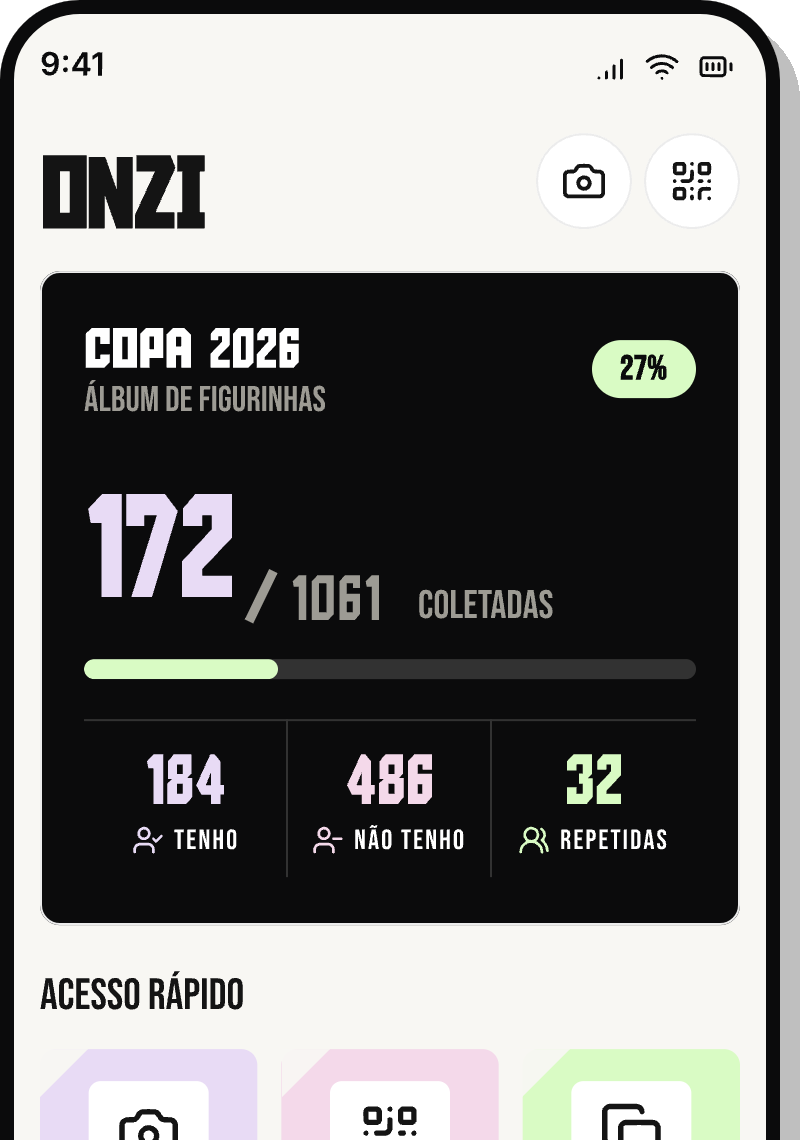
Once Onzi identifies the sticker, one tap saves it to your collection. Your album progress and the team ranking update instantly, so you can watch your album fill up as you stick.
Pull a sticker you already have? It drops straight into your duplicates, grouped by national team and ready to trade with friends later.
Works offline, barely any typing
Because it runs offline, you can scan anywhere: at the shop, at a friend's place, or on the couch with no signal at all. No data leaves your phone, and there are no ads or tracking.
And since Onzi reads the team code and number for you, there's almost nothing to type. Just aim, check, and tap to save.